Effortlessly track your hours, overtime, travel expenses, and income. The ultimate time tracking app for freelancers, employees, and teams.
10K+
Active Users
1M+
Hours Tracked
4.5★
App Store Rating
150+
Countries
Why over 10,000+ professionals choose Work Counter
Stop wasting time with Excel spreadsheets and paper timesheets. Choose efficient and easy time tracking with Work Counter.
Feature
Track Time Effortlessly
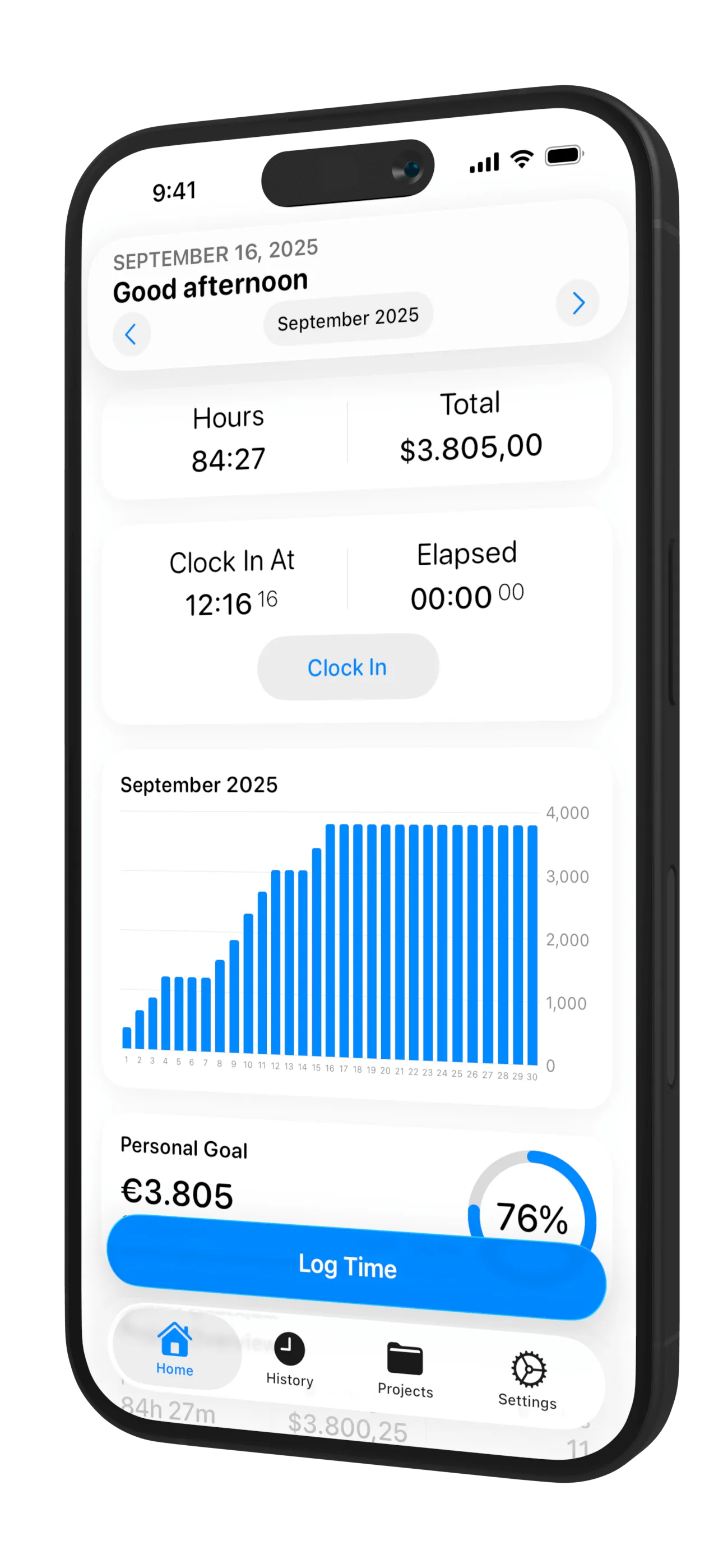
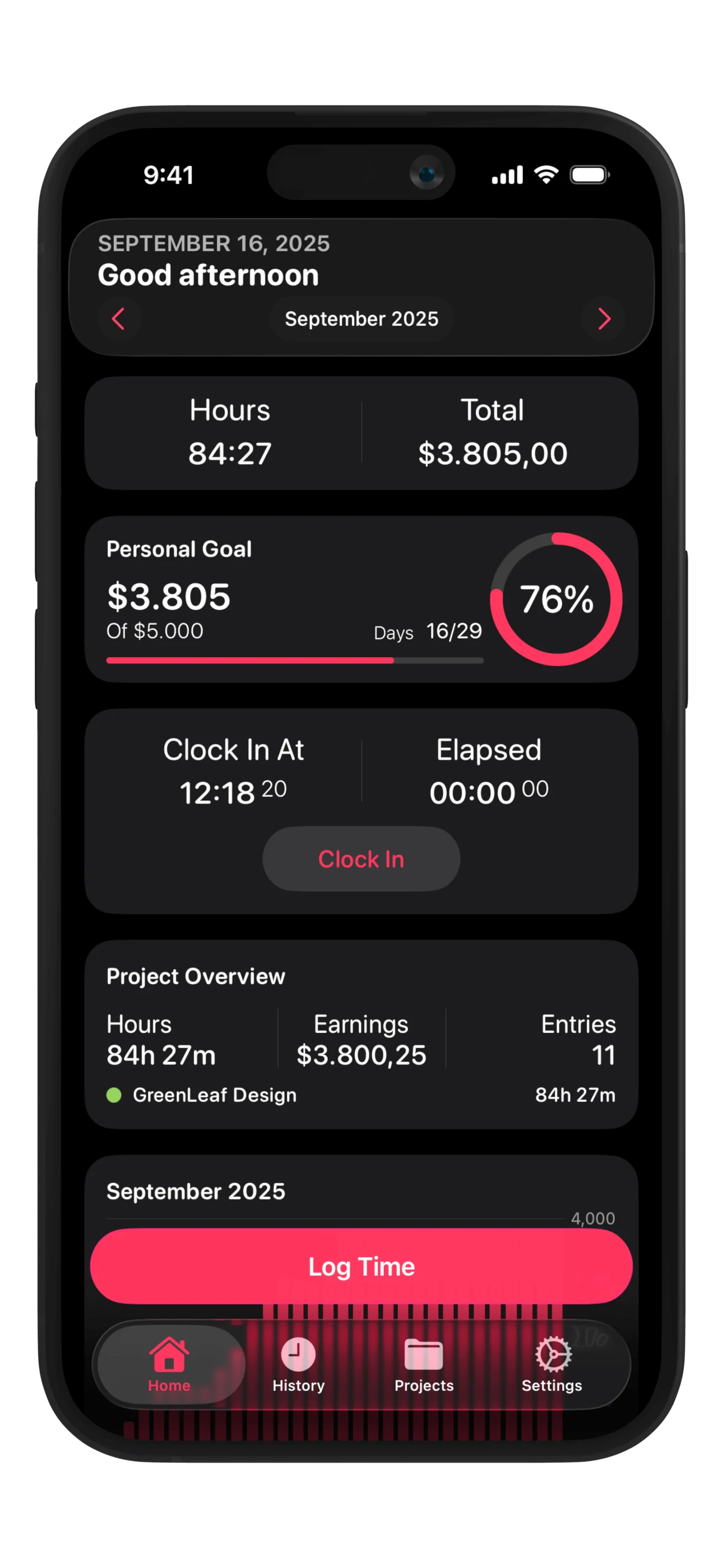
Clock in and out with a single tap, or add hours manually. Work Counter automatically calculates your work hours, overtime, and earnings.
Easy to use
Lightning fast
Features
Everything You Need
Powerful time tracking features
Quick clock in/out for instant tracking
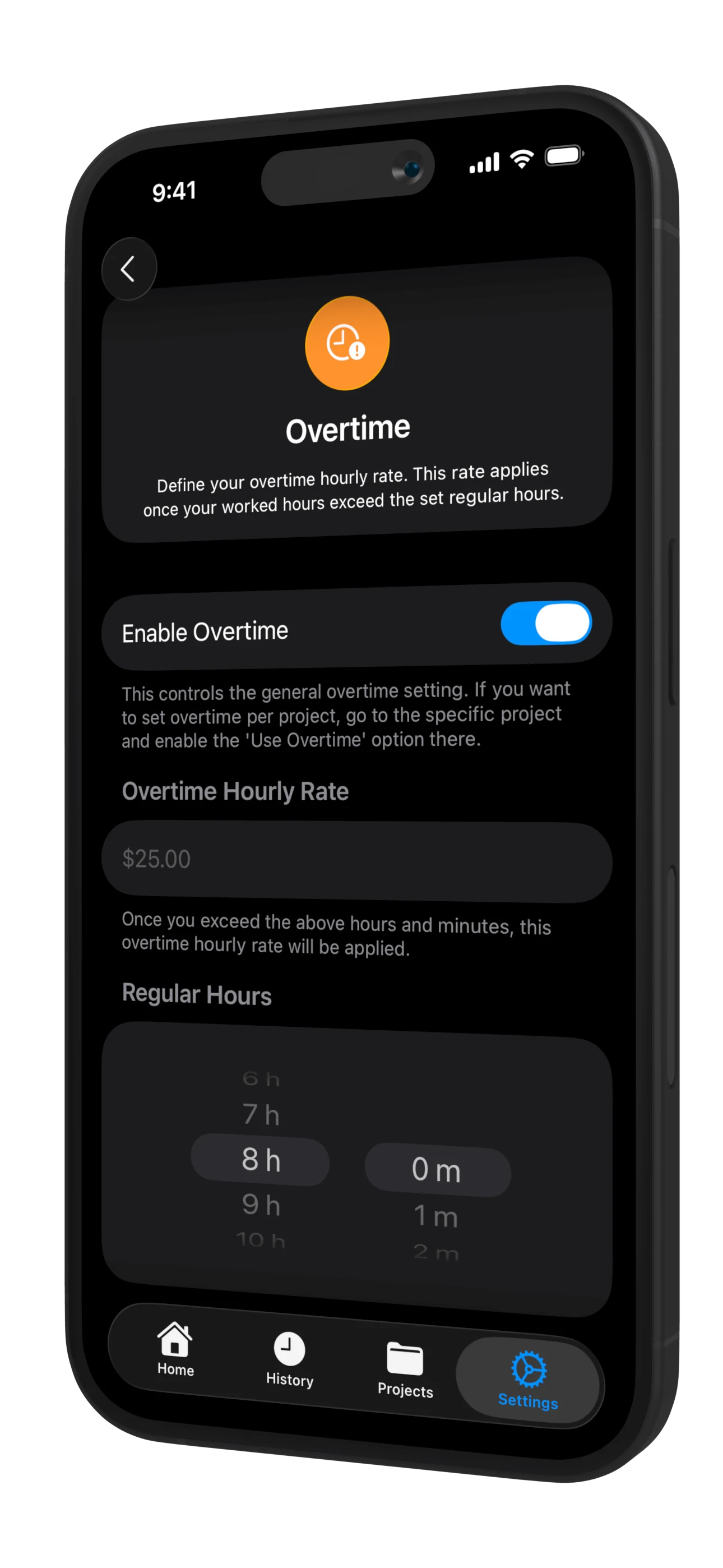
Automatic overtime calculation
Track travel expenses by trip
Set custom hourly rates per day/week
Link hours to projects, tasks & clients
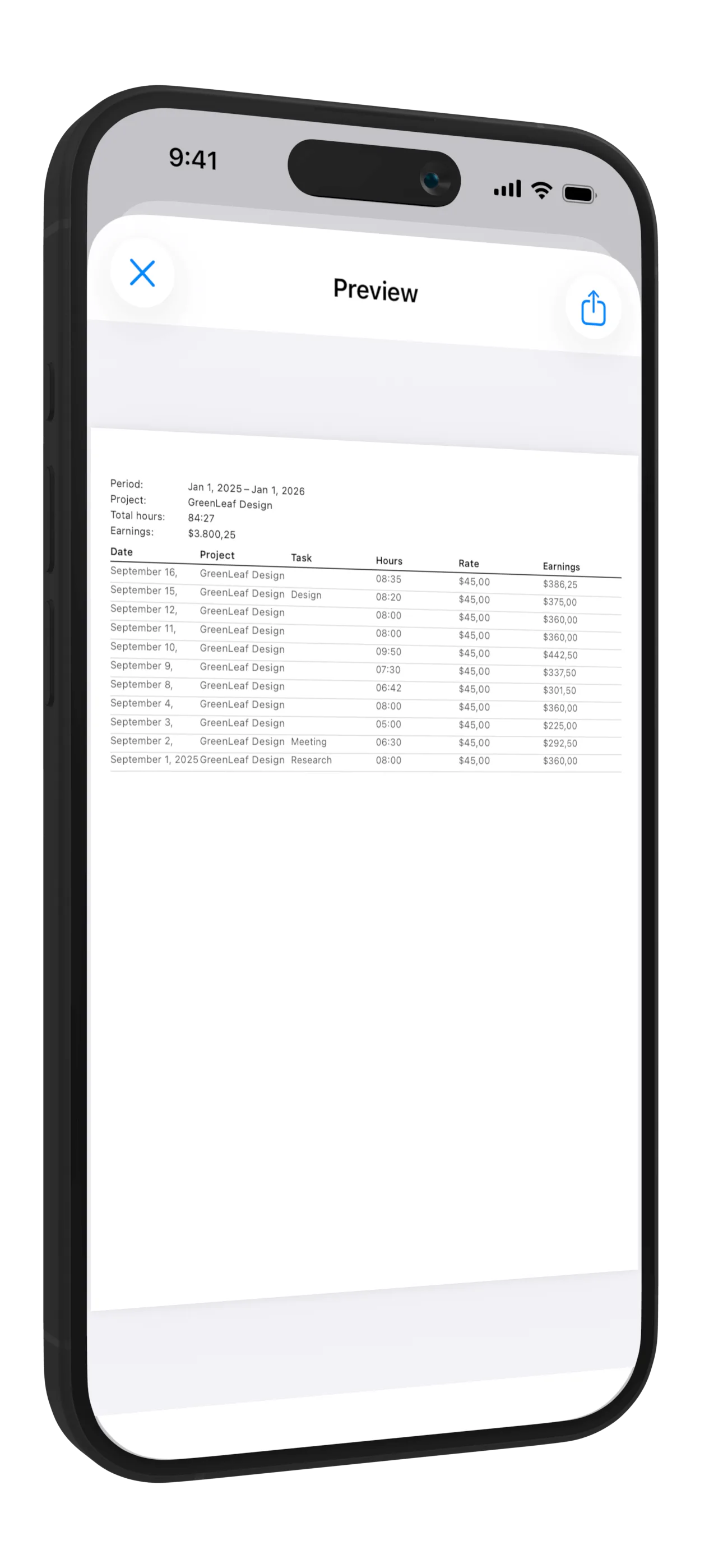
Export to PDF, CSV, and JSON
Pause while clocked in, the break is subtracted automatically
Holidays, sick days and vacation with your vacation balance
Calendar view that shows workdays you forgot to log
Saved invoices to reopen, change and mark as paid
Project Management
Organize Your Work by Projects
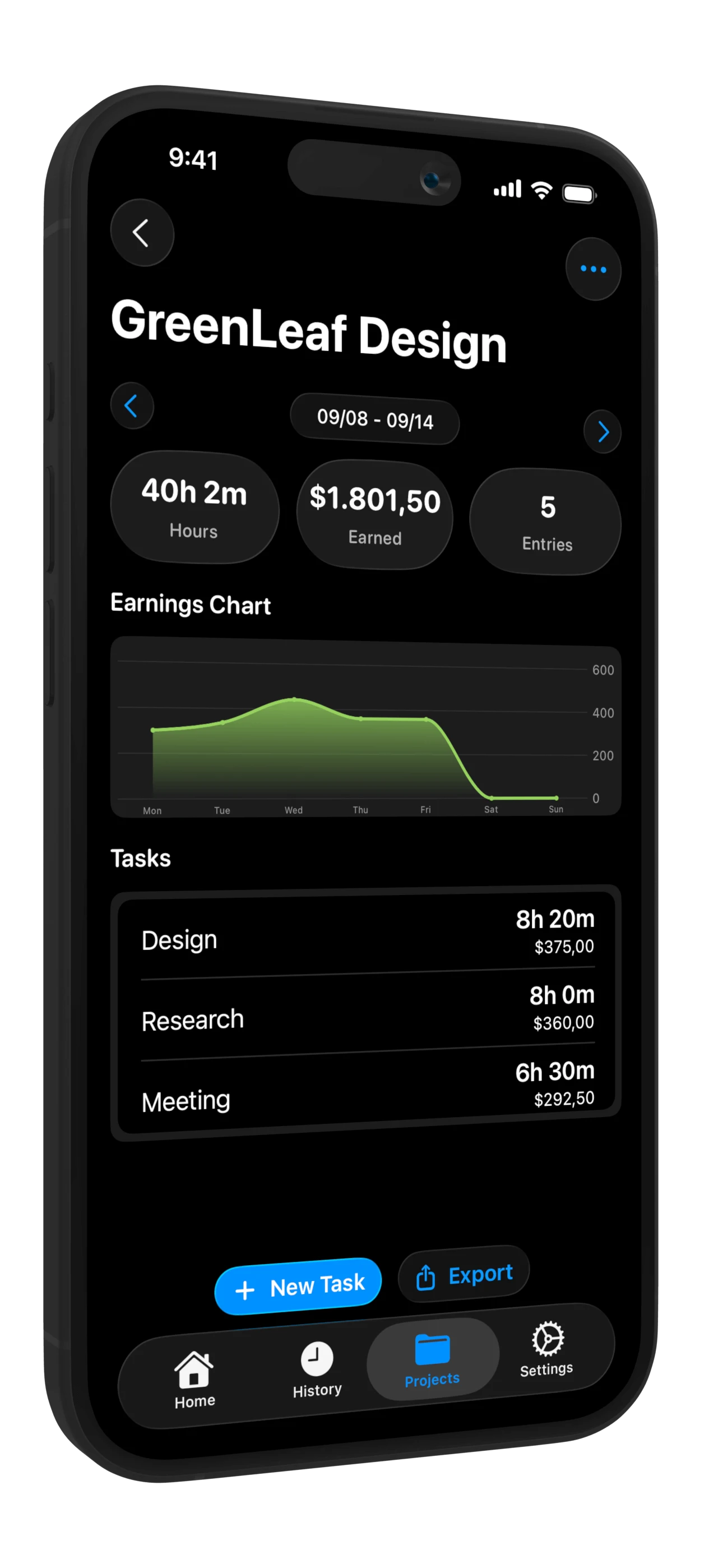
Create unlimited projects and tasks. Assign different hourly rates, track time per client, and keep everything organized for invoicing and accounting.
Multiple Projects
Organize work by client, project, task, location, and person
Flexible Rates
Set different hourly rates per project, day, or weekday
Income Tracking
Automatic earnings calculation based on hours and rates
Insights & Export
Clear Overview of Your Work
View detailed summaries, charts, and statistics. Export your data for invoicing, accounting, payroll, or tax purposes.
Charts & Statistics
Visualize your work hours and earnings with beautiful graphs
Export Reports
Export to PDF, CSV, and JSON for accounting and invoicing
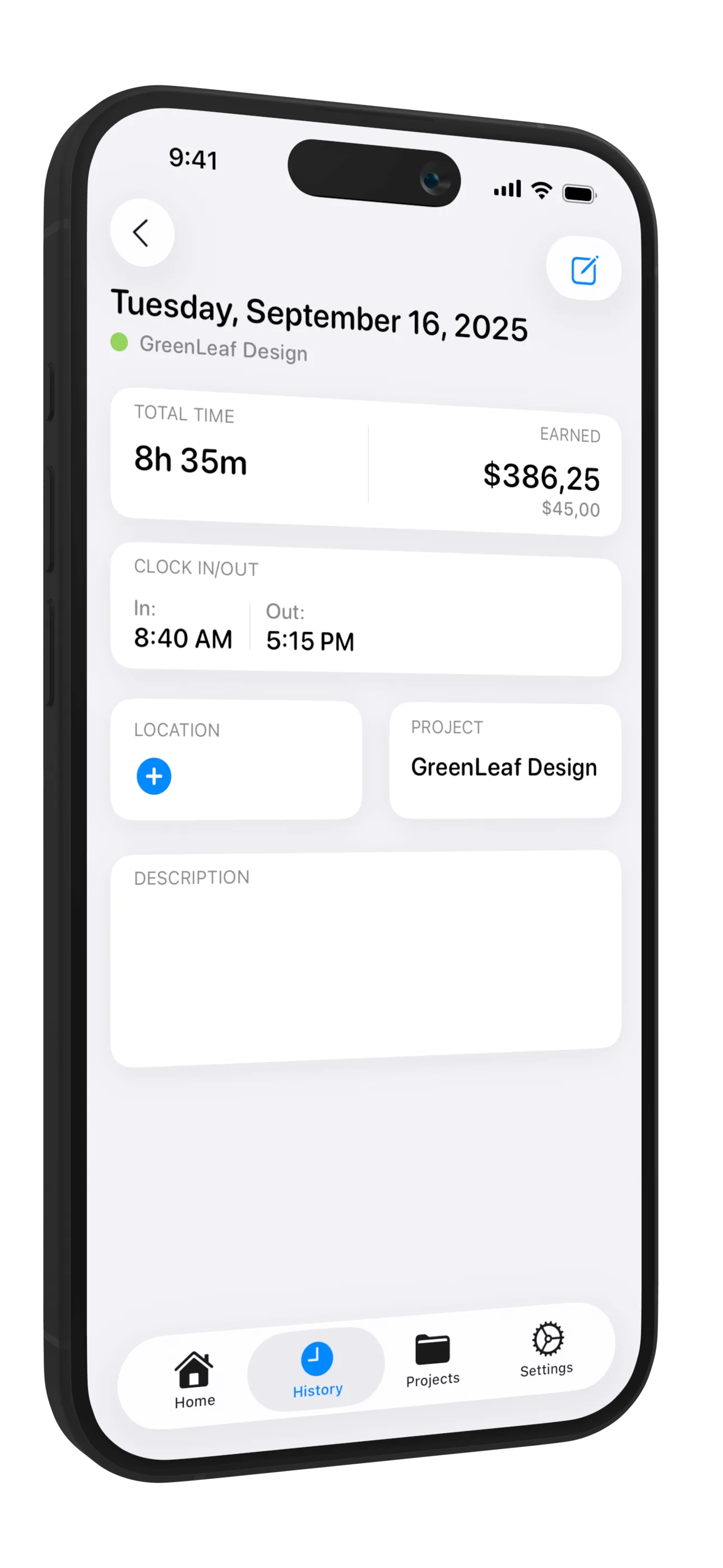
Editable History
Easily correct and adjust your time entries anytime
Feature
Automatic Overtime Calculation
Work Counter automatically tracks your overtime hours and calculates overtime pay based on your configured rates. Never lose track of extra hours worked.
Easy to use
Lightning fast
Ready to get started?
You work. We do the math. Download Work Counter and take control of your time tracking today.
Work Counter is a time tracking app for freelancers, employees, and small teams. Clock in and out, log hours manually, manage projects, locations, and people, and generate timesheets and invoices, all in one app for iPhone, iPad, Mac and Apple Watch.
Yes! Create unlimited projects and tasks, each with its own hourly rate. Assign time entries to specific projects, clients, and tasks to keep everything organized for invoicing and accounting.
Tap the play button on the Clock In card on your home screen. On Android you can also clock in and out from the Quick Settings tile, and clock out from the running-timer notification. On iPhone you can use Siri, the Live Activity, or automatic clock-in by location.
Set your regular hour threshold and overtime rate in settings. Work Counter automatically detects when you exceed your configured hours and calculates overtime pay. You can customize overtime rules per project or globally.
Export your time entries to PDF, CSV, or JSON. CSV files open in Excel or Numbers. Choose which columns to include (dates, hours, rates, earnings, breaks, overtime, travel costs) and filter by project, location, or person. Perfect for invoicing, payroll, and accounting.
On iPhone and iPad, set a work location and enable automatic mode: when you enter the geofence area, Work Counter starts your timer, and when you leave, it stops and saves the entry. Automatic clock-in is not available in the Android app; there you clock in with one tap or from the Quick Settings tile.
Yes, fully. Clock in/out, log hours, and manage everything without an internet connection. Changes sync automatically via iCloud when you reconnect.
On iPhone: Summary, Overview, and Heatmap widgets, a Live Activity on the Lock Screen and Dynamic Island, Siri commands, and a Control Center button (iOS 18+). On Android: home screen widgets with a summary, week chart, and heatmap calendar, a Quick Settings tile, and a running timer in your notifications.
Go to Export & Share and choose Invoice. Select a project and date range, and it's pre-filled with your hours and rates. Add your company details (name, address, VAT ID, logo) in Business Info settings, enter client details, and generate a professional invoice. Every invoice is saved, so you can open it again, change it and mark it as paid.
The free version includes 20 entries per month, 2 projects, 1 location, and 1 person with basic clock-in/out. Premium unlocks unlimited everything, plus automatic clock-in/out, holiday pay, overtime tracking, export (PDF/CSV/JSON), invoice generation, and custom themes.
On iPhone and iPad, yes: your subscription works on all devices signed in with the same Apple ID, and data syncs via iCloud. The Android app keeps your data on your phone and doesn't sync with iOS.
No account is needed. Your data is stored on your device and in your own iCloud, never on our servers. Work Counter does not have access to your data. If you cancel your subscription, all your entries, projects, and locations remain accessible.
Yes. Work Counter is available on Google Play for Android 8.0 and later. The Android app stores your data on your phone, with local backups. It doesn't sync with the iPhone version, and Premium is purchased separately in Google Play.
Yes. Mark holidays, sick days and vacation, also as half days, and see how many vacation days you have left. The calendar in History also shows workdays you forgot to log. Holiday pay (a higher or fixed rate on holidays) is part of Premium.
Yes. Work Counter has a native Mac app with a dashboard, history and export, and an Apple Watch app to clock in, pause and check your hours from your wrist. Everything syncs through iCloud with your iPhone and iPad.
Yes. While you are clocked in, tap pause. The timer stops, and the paused time is subtracted when you clock out. You can also pause from the Live Activity, a widget or your Apple Watch.